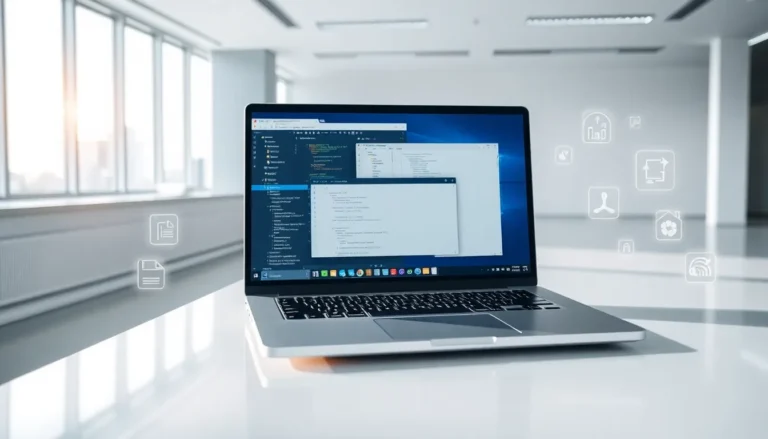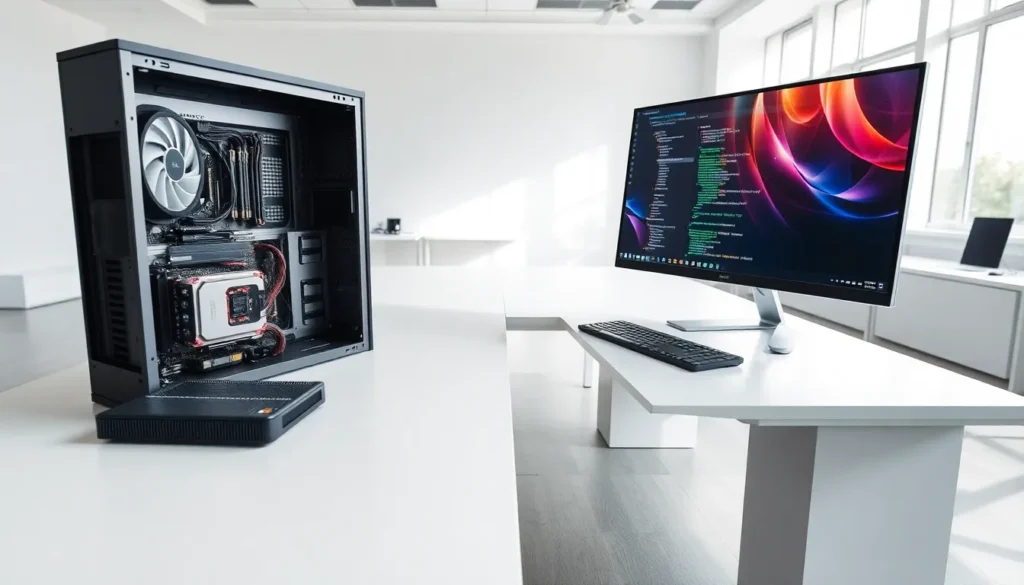

Hardware vs. software represents one of the most fundamental distinctions in computing. Every device people use, from smartphones to servers, relies on both physical components and digital programs working in sync. Understanding these two categories helps users make smarter purchasing decisions, troubleshoot problems faster, and communicate more effectively with tech support.
Hardware refers to the tangible parts of a computer system. Software consists of the instructions that tell hardware what to do. Neither can function without the other. This article breaks down both concepts, highlights their core differences, and explains how they collaborate to power modern technology.
Table of Contents
ToggleKey Takeaways
- Hardware vs. software represents the fundamental distinction between tangible computer components and the digital instructions that run on them.
- Hardware includes physical parts like CPUs, hard drives, and monitors that degrade over time and require physical repairs or replacements.
- Software consists of programs and operating systems that can be updated, reinstalled, or copied infinitely without physical wear.
- Neither hardware nor software can function alone—they work together constantly through drivers and system processes.
- Troubleshooting hardware problems requires physical inspection, while software issues are resolved through updates, reinstalls, or system restores.
- Understanding the hardware vs. software distinction helps users make better purchasing decisions and communicate more effectively with tech support.
What Is Hardware?
Hardware includes all the physical components of a computer or electronic device. Users can touch, see, and physically interact with hardware. Examples include processors, hard drives, monitors, keyboards, and graphics cards.
Hardware falls into several categories:
- Input devices: Keyboards, mice, microphones, and scanners allow users to enter data into a system.
- Output devices: Monitors, printers, and speakers display or present processed information.
- Processing components: The CPU (Central Processing Unit) performs calculations and executes instructions. The GPU (Graphics Processing Unit) handles visual rendering.
- Storage devices: Hard disk drives (HDDs), solid-state drives (SSDs), and USB flash drives store data permanently or temporarily.
- Memory: RAM (Random Access Memory) holds data temporarily while the system runs programs.
Hardware degrades over time. Physical components experience wear from heat, dust, and regular use. A failing hard drive might make clicking sounds. An overheating processor could cause random shutdowns. These issues require physical repairs or replacements.
The hardware vs. software distinction becomes clear here: when a laptop screen cracks, that’s a hardware problem. No amount of code can fix broken glass.
What Is Software?
Software consists of programs, applications, and operating systems that run on hardware. Unlike hardware, software has no physical form. It exists as code, sets of instructions that tell hardware components how to behave.
Software divides into two main types:
- System software: Operating systems like Windows, macOS, and Linux manage hardware resources and provide a platform for other programs. Device drivers help the operating system communicate with specific hardware components.
- Application software: Programs like Microsoft Word, Google Chrome, and Adobe Photoshop perform specific tasks for users. Mobile apps, video games, and business tools all qualify as application software.
Software requires updates to fix bugs, patch security vulnerabilities, and add features. Unlike hardware, software doesn’t wear out physically. A program from 2010 contains the same code today, though it might not run well on modern systems due to compatibility issues.
When comparing hardware vs. software problems, software issues often produce error messages, crashes, or unexpected behavior. A frozen application or virus infection represents a software problem. Reinstalling the program or running antivirus tools typically resolves these issues without touching any physical components.
Core Differences Between Hardware and Software
The hardware vs. software comparison reveals several key distinctions:
| Aspect | Hardware | Software |
|---|---|---|
| Physical form | Tangible, touchable | Intangible, exists as code |
| Damage type | Physical wear, breakage | Bugs, corruption, viruses |
| Replacement | Requires purchasing new parts | Can be reinstalled or updated |
| Cost factors | Manufacturing, materials, shipping | Development, licensing |
| Lifespan | Degrades over time | Doesn’t wear out physically |
Development and Manufacturing
Hardware requires factories, raw materials, and assembly lines. Manufacturers source silicon, metals, and plastics to build components. This process involves significant upfront costs.
Software requires programmers, development tools, and time. Once created, software can be copied infinitely at nearly zero cost. Distribution happens digitally in seconds.
Troubleshooting Approaches
Hardware problems often require physical inspection. Technicians open cases, test components with diagnostic tools, and replace faulty parts. A dead power supply needs a new unit.
Software problems call for different solutions. Users might restart programs, clear caches, update drivers, or reinstall applications. System restore points can roll back problematic changes.
Flexibility and Updates
Hardware upgrades require physical changes. Adding more RAM means buying and installing new memory sticks. Improving storage means purchasing a larger drive.
Software updates download automatically or with a few clicks. Developers can add features, fix security holes, and improve performance without users visiting a repair shop.
How Hardware and Software Work Together
Hardware vs. software isn’t really a competition, both elements depend on each other completely. Hardware without software is an expensive paperweight. Software without hardware has nowhere to run.
Consider what happens when someone opens a web browser:
- The user clicks a mouse (input hardware).
- The mouse sends a signal to the motherboard.
- The CPU processes the click through the operating system (software).
- The operating system launches the browser application (software).
- The browser renders on the monitor (output hardware).
- Data loads from the SSD (storage hardware) into RAM (memory hardware).
This entire sequence takes milliseconds. Hardware and software communicate constantly through drivers, specialized software that translates between operating systems and specific hardware components.
Performance depends on balance. The fastest processor won’t help if software is poorly optimized. Brilliant code can’t overcome insufficient RAM. Smart users consider both hardware specs and software requirements before making purchases.
Modern devices blur some lines. Firmware, for instance, sits between hardware and software. It’s code embedded directly into hardware components like routers or BIOS chips. But the fundamental hardware vs. software distinction remains useful for understanding how computers function.