
Consumer electronics for beginners can feel overwhelming at first glance. Store shelves display hundreds of devices, each promising different features and capabilities. The good news? Understanding these products doesn’t require a tech degree.
This guide breaks down the basics of consumer electronics in plain terms. Readers will learn what these devices actually do, which categories matter most, and how to make smart buying decisions. Whether someone needs their first smartphone or wants to build a home entertainment setup, this article covers the essentials without the confusing jargon.
Table of Contents
ToggleKey Takeaways
- Consumer electronics for beginners include smartphones, tablets, computers, TVs, and smart home devices—each designed to solve specific everyday problems.
- Before buying any device, define your actual need and set a realistic budget to avoid overspending on unnecessary features.
- Mid-range consumer electronics often deliver the best value by including essential features without premium pricing.
- Read reviews from multiple sources and check compatibility with your existing devices before making a purchase.
- Proper care—including regular cleaning, battery management, and software updates—extends the lifespan of your electronics.
- Consider certified refurbished options from manufacturers to save money while still getting tested devices with warranties.
What Are Consumer Electronics?
Consumer electronics are electronic devices designed for everyday personal use. These products differ from industrial or commercial equipment because regular people buy them for homes, offices, or personal activities.
The category includes a wide range of products:
- Communication devices (phones, tablets)
- Computing equipment (laptops, desktop computers)
- Entertainment systems (TVs, gaming consoles, speakers)
- Wearable technology (smartwatches, fitness trackers)
- Smart home devices (voice assistants, security cameras)
Consumer electronics have become central to modern life. The average American household now contains over 20 electronic devices, according to recent industry surveys. These gadgets help people work, communicate, learn, and relax.
For beginners, the key point is simple: consumer electronics solve specific problems or provide entertainment. A smartphone lets someone call friends and browse the internet. A laptop enables work and creativity. A smart TV streams movies and shows. Each device serves a clear purpose.
Essential Device Categories to Know
Consumer electronics fall into several main categories. Beginners should understand these groups before making any purchase decisions.
Smartphones and Tablets
Smartphones represent the most common consumer electronics today. These pocket-sized computers handle calls, messages, photos, internet browsing, and thousands of apps. Major brands include Apple (iPhone), Samsung, and Google (Pixel).
Tablets offer larger screens than smartphones but remain portable. They work well for reading, watching videos, and light productivity tasks. The Apple iPad dominates this market, though Android tablets from Samsung and Lenovo provide solid alternatives.
Beginners should consider these factors when choosing:
- Screen size preferences
- Operating system (iOS vs. Android)
- Storage capacity needs
- Budget constraints
Computers and Laptops
Computers remain essential consumer electronics for serious work. Laptops offer portability, while desktop computers provide more power and easier upgrades.
For most beginners, laptops make the best starting point. They handle email, documents, web browsing, and video calls without taking up desk space. Popular options include Apple MacBooks, Dell XPS models, and HP Pavilion laptops.
Key specs to understand:
- Processor (CPU): The brain of the computer. Intel Core and AMD Ryzen chips are common.
- RAM: Memory for running programs. 8GB works for basic tasks: 16GB handles heavier workloads.
- Storage: Where files live. SSDs (solid-state drives) load faster than older hard drives.
Home Entertainment Systems
Home entertainment consumer electronics include televisions, sound systems, and streaming devices. Modern smart TVs connect directly to the internet for Netflix, YouTube, and other services.
TV shopping involves a few decisions:
- Screen size: Measure the viewing distance. A 55-inch TV suits most living rooms.
- Resolution: 4K has become standard. 1080p still works for smaller screens or tight budgets.
- Panel type: OLED offers the best picture quality but costs more. LED/LCD models provide good value.
Sound systems range from simple soundbars to full surround-sound setups. Beginners typically start with a soundbar, which improves TV audio dramatically without complicated installation.
Tips for Buying Your First Devices
Smart shopping habits save money and prevent buyer’s remorse. These tips help beginners make confident consumer electronics purchases.
Define the actual need first. Ask what problem the device should solve. Someone who only checks email doesn’t need a $2,000 laptop. A person who takes lots of photos might prioritize smartphone camera quality over other features.
Set a realistic budget. Consumer electronics exist at every price point. Mid-range products often deliver the best value, they include important features without premium pricing.
Read reviews from multiple sources. Professional tech reviewers test devices thoroughly. User reviews reveal real-world issues that emerge after weeks of use. Look for patterns in complaints rather than isolated negative comments.
Check compatibility. Some consumer electronics work better together. Apple products sync seamlessly with other Apple devices. Android phones pair naturally with Windows computers and Google services. Think about existing devices before adding new ones.
Consider refurbished options. Certified refurbished consumer electronics from manufacturers or authorized sellers offer significant discounts. These devices undergo testing and include warranties, making them safe choices for budget-conscious beginners.
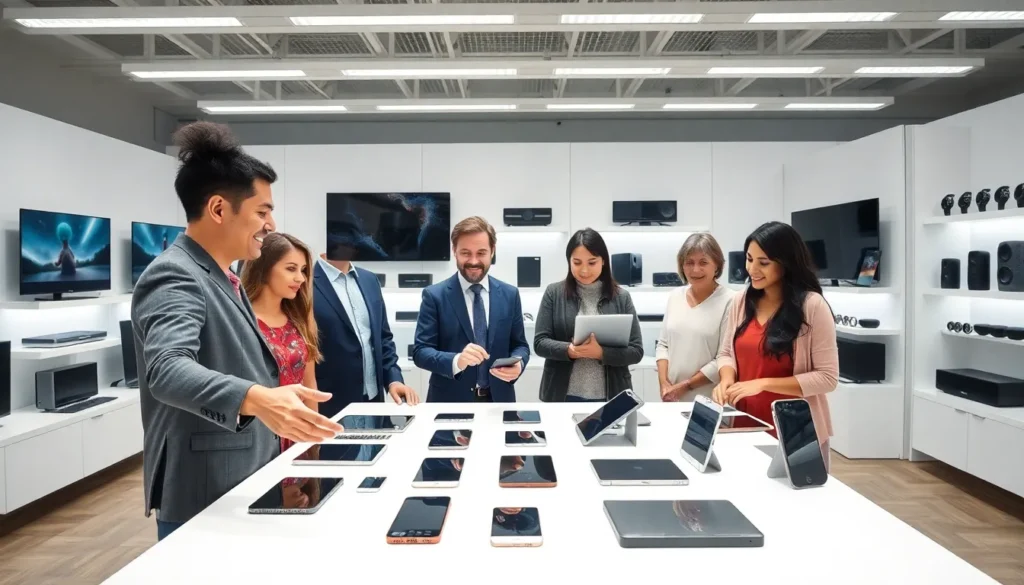
Don’t buy based on specs alone. Paper specifications tell part of the story. How a device actually feels to use matters more than benchmark numbers. Visit stores to handle products before purchasing when possible.
Basic Care and Maintenance
Consumer electronics last longer with proper care. Simple habits protect these investments and keep devices running smoothly.
Keep devices clean. Dust and grime affect performance and appearance. Use microfiber cloths for screens, never paper towels, which can scratch. Compressed air removes debris from ports and keyboards.
Protect against physical damage. Cases and screen protectors shield smartphones and tablets from drops. Laptop sleeves prevent scratches during transport. These inexpensive accessories often save hundreds in repair costs.
Manage battery health. Lithium-ion batteries power most consumer electronics. Avoid letting batteries drain completely or stay at 100% for extended periods. Keeping charge between 20-80% extends battery lifespan.
Update software regularly. Operating systems and apps receive updates that fix bugs and security vulnerabilities. Enable automatic updates or check manually each week. Outdated software creates security risks and can cause performance problems.
Store properly. Extreme temperatures harm consumer electronics. Don’t leave devices in hot cars or freezing garages. Store electronics in cool, dry places when not in use.
Back up important data. Hard drives and storage eventually fail. Cloud services like iCloud, Google Drive, or OneDrive automatically save photos and documents. External hard drives provide another backup layer for critical files.